Google Ads For Small Business: Complete Guide To Getting More Customers
Google Ads allows small businesses to get in front of people actively searching for what they offer. You can target customers searching for relevant keywords, and send them to your website, landing page or contact form.
In this guide, we take a look at how Google Ads for small business works, why it's useful, important tactics and how to get the most out of your campaigns in order to avoid burning through your budget.
What Is Google Ads?
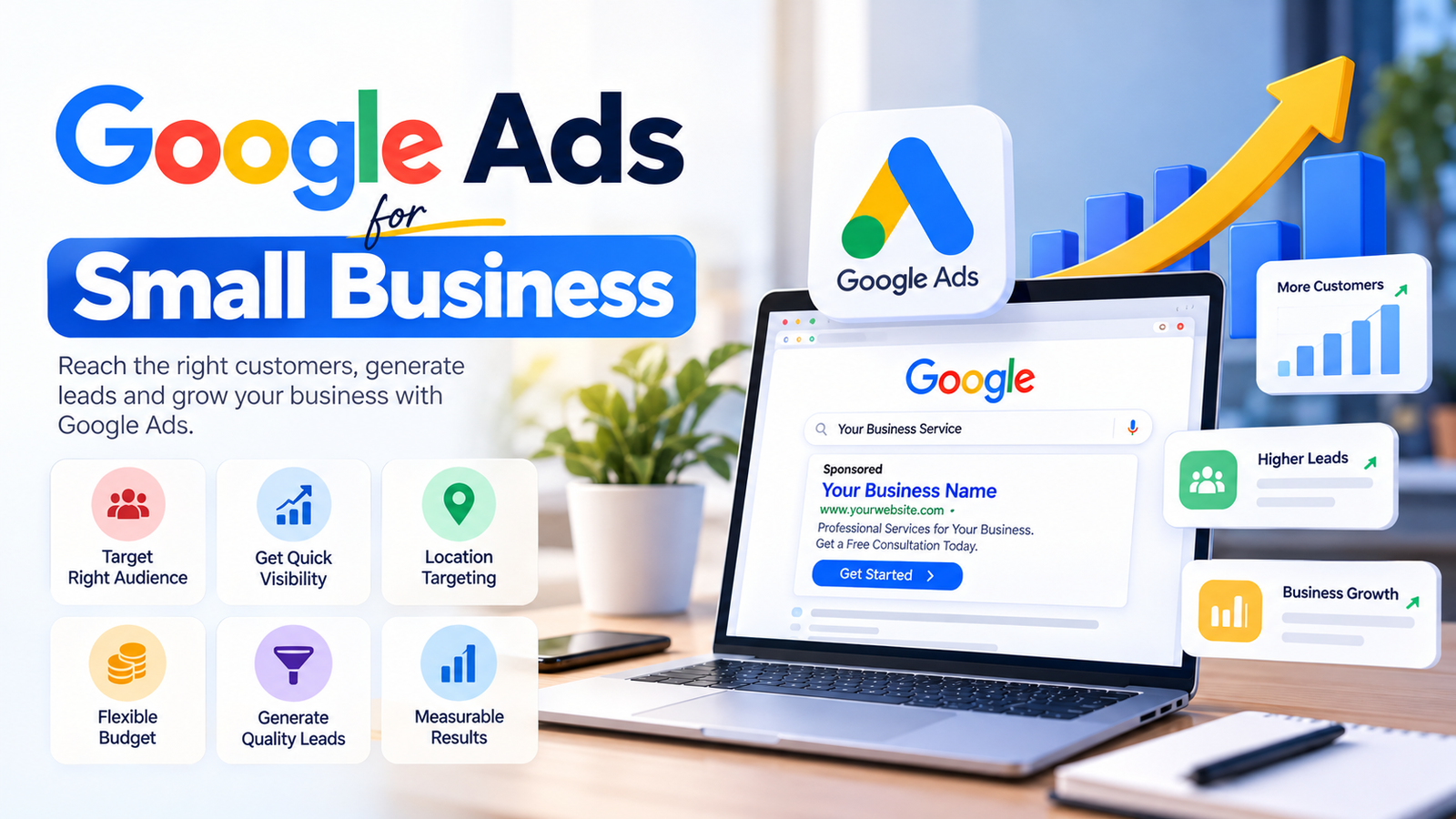
Google Ads is an online advertising platform which allows businesses to display paid advertisements on Google Search and other Google websites. For example, if a user were to search:
“website designing company near me”
then a relevant business would be able to show up in the ad space next to, or above the search results.
With the majority of Google Search campaigns being on a pay-per-click basis, you can get tremendous value from Google Ads, for small businesses. You can control your budget, target customers based on location, keywords, devices and more.
Why Google Ads Is Useful For Small Businesses
Small businesses typically need a higher ROI (Return On Investment) in a shorter space of time, as they tend to have smaller marketing budgets.
Google Ads can be extremely useful for small businesses, as it allows you to specifically target individuals searching for relevant products and services online.
Some of the major benefits of using Google Ads for small businesses include:
1. Quick visibility
2. Flexible budget
3. Location targeting
4. High-intent traffic
5. Lead generation
6. Measurable
7. Easy to optimize
Unlike traditional marketing, with Google Ads you can track the number of views, clicks, conversions (leads), calls to a phone number, and much more. Below, we go over some important tactics for running Google Ads for small business.
1. Set Out Goal
With every Google Ads campaign, it's important to set out a goal. This could be:
• Generating phone calls
• Getting website enquiries
• Selling products
• Booking appointments
• Getting WhatsApp leads
• Promoting a local service
Do not launch a Google ads campaign without a clear goal in mind. Depending on your goal, your campaign structure, keywords and landing pages will all be different.
For example, if your goal is generating leads, then you'll want to focus a lot of your time and effort on finding the right keywords, building landing pages and setting up conversion tracking.
2. Use High-Intent Keywords
Keywords are arguably the most important aspect of any Google Ads campaign.
For small businesses, it's important to focus on high-intent keywords. These are keywords which show that a user is searching for a specific product or service.
For example, a website design company could use keywords such as:
• Website designing company
• Website development services
• Ecommerce website development
• SEO services near me
• Google ads management company
Try to avoid using keywords which imply an informational search intent, such as:
• What is website designing?
• Learn website development
• Free website course
3. Use The Right Keyword Match Types
Google Ads offers different match types for keywords.
Broad Match
Broad match gives Google more flexibility in showing your ads for relevant searches.
Phrase Match
Phrase match gives you a bit more control, but still allows Google to show your ads for related searches.
Exact Match
Exact match gives you full control over the searches that your ads can appear for.
Depending on your budget, phrase and exact match keywords tend to be much easier to work with for small business Google Ads campaigns.
4. Use Negative Keywords
Negative keywords allow you to filter out searches that aren't relevant to your business.
Say, for example, you're a professional services company. You may want to add negative keywords such as:
• Free
• Jobs
• Salary
• Course
• Training
• Internship
• Download
• Tutorial
Reviewing and adding negative keywords to your Google Ads campaigns is extremely important. It can help filter out irrelevant traffic, and improve the quality of your leads. Make sure to review your Google Ads search terms on a regular basis, and add any irrelevant terms to your negative keyword list.
5. Target The Right Location
One of the biggest advantages of using Google Ads for small businesses is the ability to target specific locations.
You can target:
• A city
• Multiple cities
• A state
• A specific area
• Radius of an area
For example, if you're a company which primarily serves the Delhi NCR area, make sure to target cities such as Delhi, Noida, Gurugram, Faridabad and Ghaziabad. Avoid targeting irrelevant areas across the country, as it can waste your advertising budget.
6. Write Relevant, Clear Ad Copy
Your Google Ads ad copy should make it immediately clear what your business offers. A good Google Ads ad typically includes:
• The main service you offer
• Benefit of choosing your business
• Your location, if applicable
• Strong call to action
Example:
Professional Website Development Services
Custom, responsive and SEO-friendly websites for growing businesses. Request a consultation today.
Avoid making false or unclear claims with your ad copy. Make sure to target users searching for relevant services.
7. Use A Dedicated Landing Page
Redirecting users to your homepage is typically never a good idea. In fact, it's a best practice to always use a dedicated landing page for any Google Ads campaign.
For example, any Google Ads campaign for SEO services should ideally redirect to an SEO landing page. Here are some important components of a landing page:
• Clear headline
• Benefits of the service/product
• Necessary information
• Trust signals
• Contact form
• Call to action button
• Testimonials
• Strong CTA
Your landing page should also be mobile friendly, and load quickly. Avoid using complex designs and elements that could potentially slow down your page.
8. Keep Enquiry Forms Simple
Long enquiry forms are a huge turn off for potential customers. In fact, many would rather not submit an enquiry than fill out a long form. A good enquiry form should only ask for:
• Name
• Phone number
• Service required
• Short message
Avoid asking for irrelevant information. The simpler the enquiry form is, the better your conversion chances will be.
9. Set A Realistic Budget
Google Ads for small business doesn't require you to have a huge advertising budget. In fact, it's best to start with a small, realistic daily budget.
Once you've identified what's working and what's not, you can scale up your advertising budget accordingly. Avoid spreading your advertising budget across too many services or locations. Focus your efforts on a handful of services, or a specific area.
For example, instead of running Google Ads campaigns for ten different services, begin with your top two or three services.
10. Set Up Conversion Tracking
Conversion tracking is extremely important. If you're not tracking conversions, you won't really know how well your campaigns are performing. Without conversion tracking, you can only see the number of clicks you're getting, but you won't know how many actual enquiries or sales you're getting.
Make sure to set up conversion tracking for:
• Contact form conversions
• Phone conversions
• WhatsApp conversions
• Purchases
• Quote conversions
• Appointment conversions
Conversion tracking will show you what keywords are actually converting, and helping you generate enquiries and sales.
11. Check Cost Per Lead
Google Ads is typically a lead generation tool for small businesses. If your goal is to generate leads, cost per lead is a big metric to consider. For example:
If you spent ₹10,000 and got 20 enquiries, your cost per lead would be ₹500.
However, it's also important to take into consideration the quality of leads. A ₹500 lead which turns into a customer is much better than a ₹200 lead which is irrelevant.
12. Increase Lead Quality
To increase the quality of leads being generated by your Google Ads campaigns:
• Use high-intent keywords
• Add negative keywords
• Target the right location
• Write effective ad copy
• Use dedicated landing pages
• Set up conversion tracking
• Add qualifying questions
• Follow-up quickly
Many potential customers will follow up with multiple businesses, so it's important to respond to them as soon as possible.
13. Use Remarketing
Not every user who visits your website is going to contact you immediately. Remarketing allows you to retarget these users, and encourage them to reach out to you.
Remarketing can be extremely useful, especially if customers take a while to compare prices, and make a decision.
14. Continuously Optimize
Google Ads campaigns should never be left on autopilot. You need to review your:
• Search terms
• Keywords
• Ad copy
• Locations
• Devices
• Cost per click
• Conversion rate
• Cost per lead
• Etc
Always pause keywords which aren't performing, and invest more in keywords and campaigns which are performing well.
Common Google Ads Mistakes Small Businesses Should Avoid
Some of the most common Google Ads mistakes small businesses make include:
• Targeting broad keywords
• Not using negative keywords
• Not setting up conversion tracking
• Not targeting the right location
• Using weak landing pages
• Sending all traffic to the homepage
• Not focusing on mobile
• Not reviewing search terms
• Focusing on clicks, not leads
Avoiding these mistakes can greatly improve the performance of your Google Ads campaigns.
Google Ads For Small Business With GrowthWeb Digital
At GrowthWeb Digital we help businesses setup and manage performance-driven digital marketing campaigns, including Google Ads. A successful Google Ads campaign requires many components to come together, including keyword research, targeting, ad copy, landing pages, conversion tracking and much more. Our aim is to help businesses get relevant users, and take them through a funnel until they convert.
Conclusion
Google Ads for small business can be a really effective way of gaining visibility, enquiries and sales. However, it's important to implement the right strategies in order to get the most out of your advertising budget. The most important factors of a Google Ads campaign include:
Right Keywords + Right Audience + Strong Ad Copy + Good Landing Pages + Conversion Tracking + Continuous Optimization
Start with a realistic budget, target the right audience, track conversions, and optimize your way to more enquiries and sales.